Android
Every model in your pocket.
The OmniRail app puts every text, image, video and voice model, chat, the Playground and your dashboard on your phone. Same account, same credits and keys as on your computer. Sign in by approving the phone from your computer: no wallet needed on the phone.
OmniRail for Android
Version 1.0.0 · 358 KB · Android 7.0 or later
- SHA-256 of omnirail-1.0.0.apk
1a9ca9283b41a1f8547d8238dab76b1cf8409171711babec23dc980643134ed1- Signing certificate (SHA-256)
A1:82:B4:06:80:89:57:03:0B:F7:4E:F0:4D:71:6C:8D:0A:0A:A7:35:31:B4:D6:06:DA:1B:48:D9:BF:1F:A3:E5
Coming soonGoogle Play. Until then the app is installed from this page.
What you get
- Every model. Claude, GPT, Gemini, FLUX, Veo and the rest of the live catalog, at the same prices as the API.
- Chat. Talk to any model, your conversations follow your wallet.
- The Playground. Text, images, video and voice runs with a live receipt for each call.
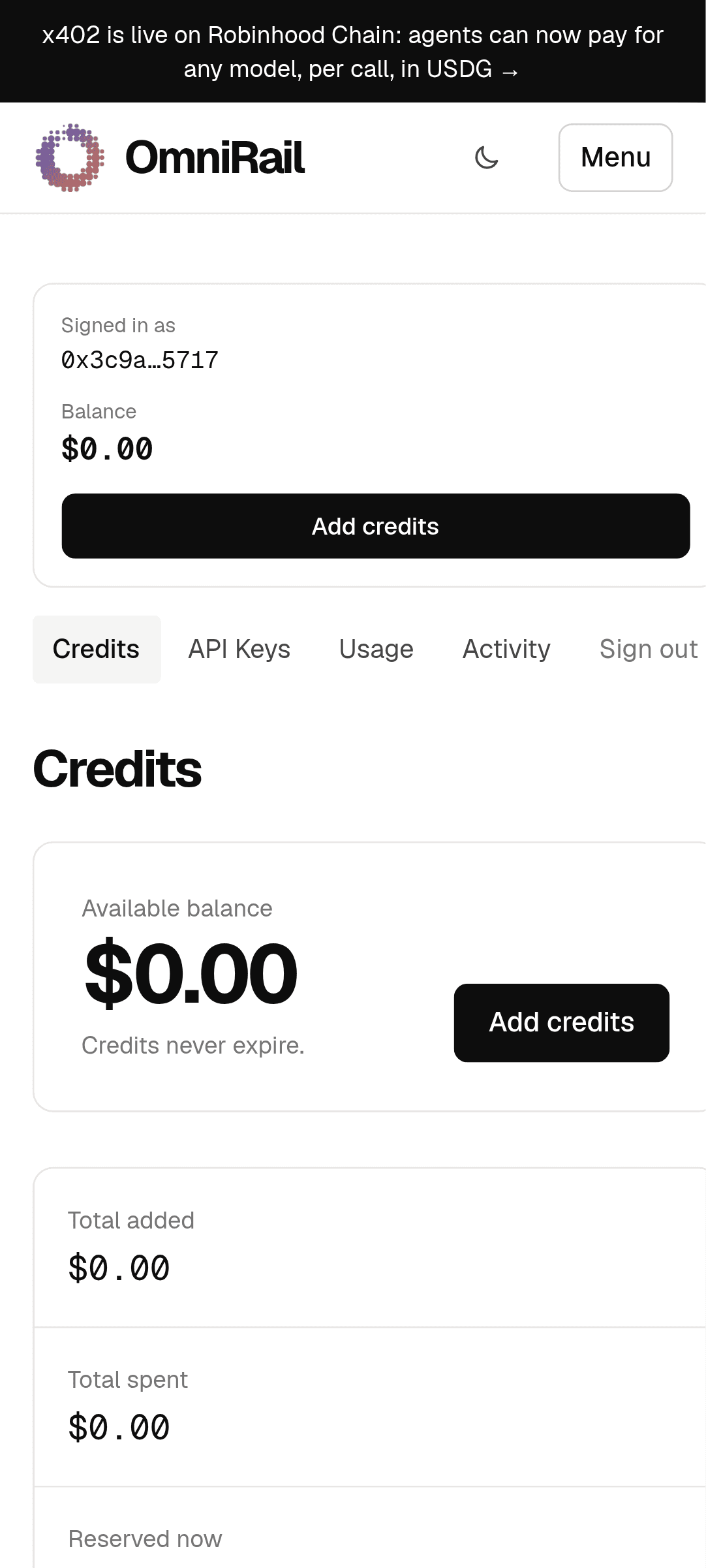
- Your dashboard. Balance, API keys and their limits, activity.
- A real app. Full screen, its own icon and task, links to omnirail.org open in it.
Install it
- On your phone, tap Download the APK.
- Open the file. Android asks you to allow installs from your browser (“Install unknown apps”): allow it for this install, then tap Install.
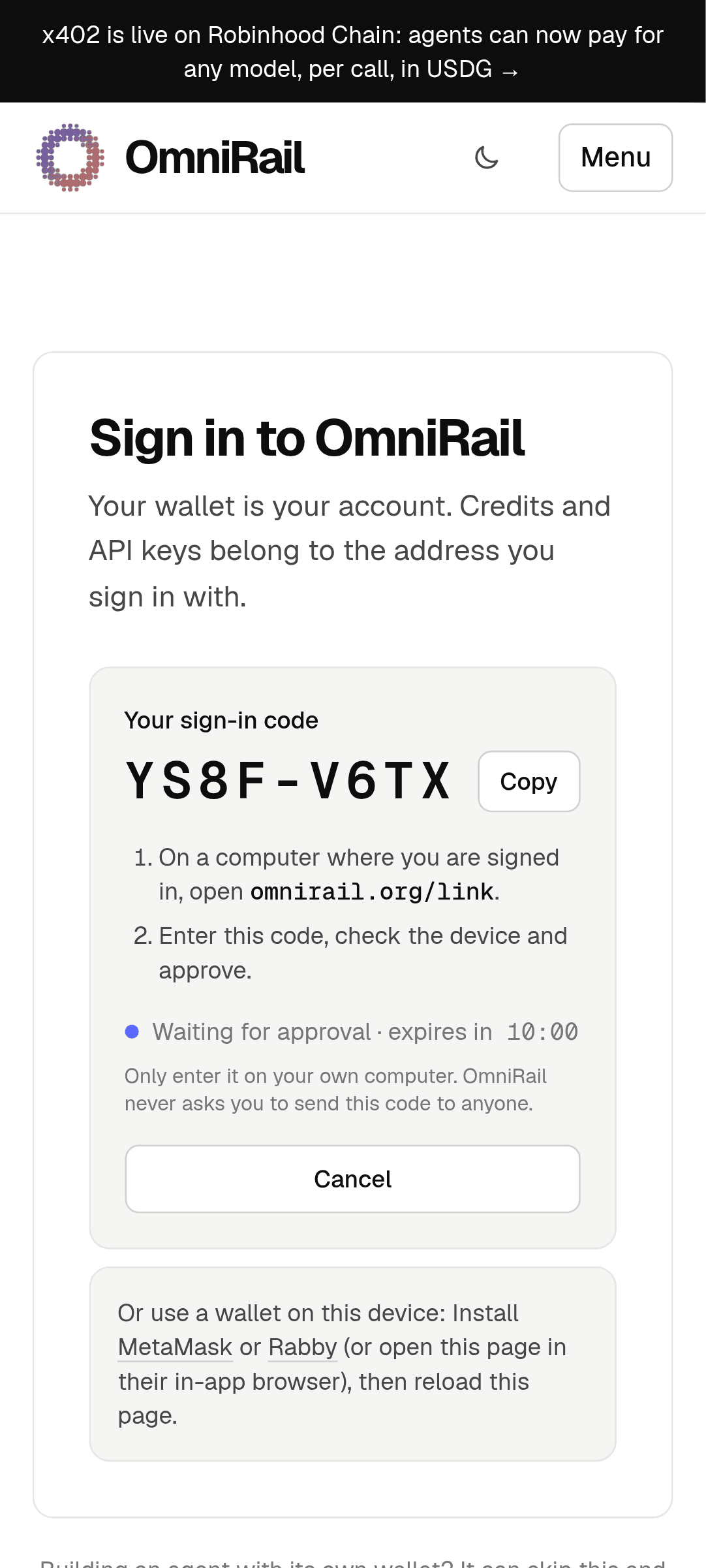
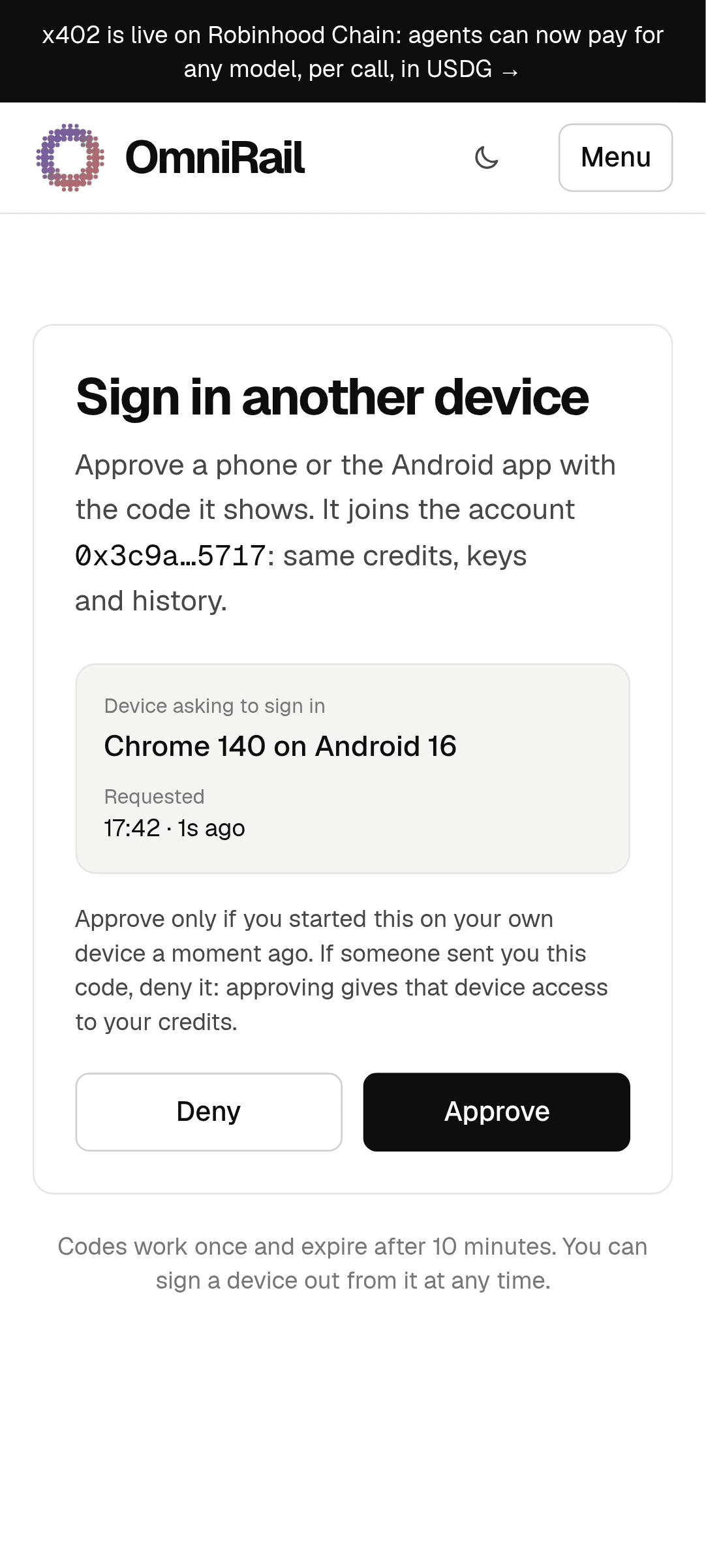
- Open OmniRail. Tap Get a sign-in code, then on your computer open omnirail.org/link, enter the code and approve.
- Optional: check the file first. Its SHA-256 must match the one above (
sha256sum omnirail-1.0.0.apk).
Needs Android 7.0 or later and Chrome (or another browser that supports Trusted Web Activities); without one it opens in a browser tab. Prefer no install? In Chrome on Android, open omnirail.org and choose Install app from the menu.